See every margin in one dashboard
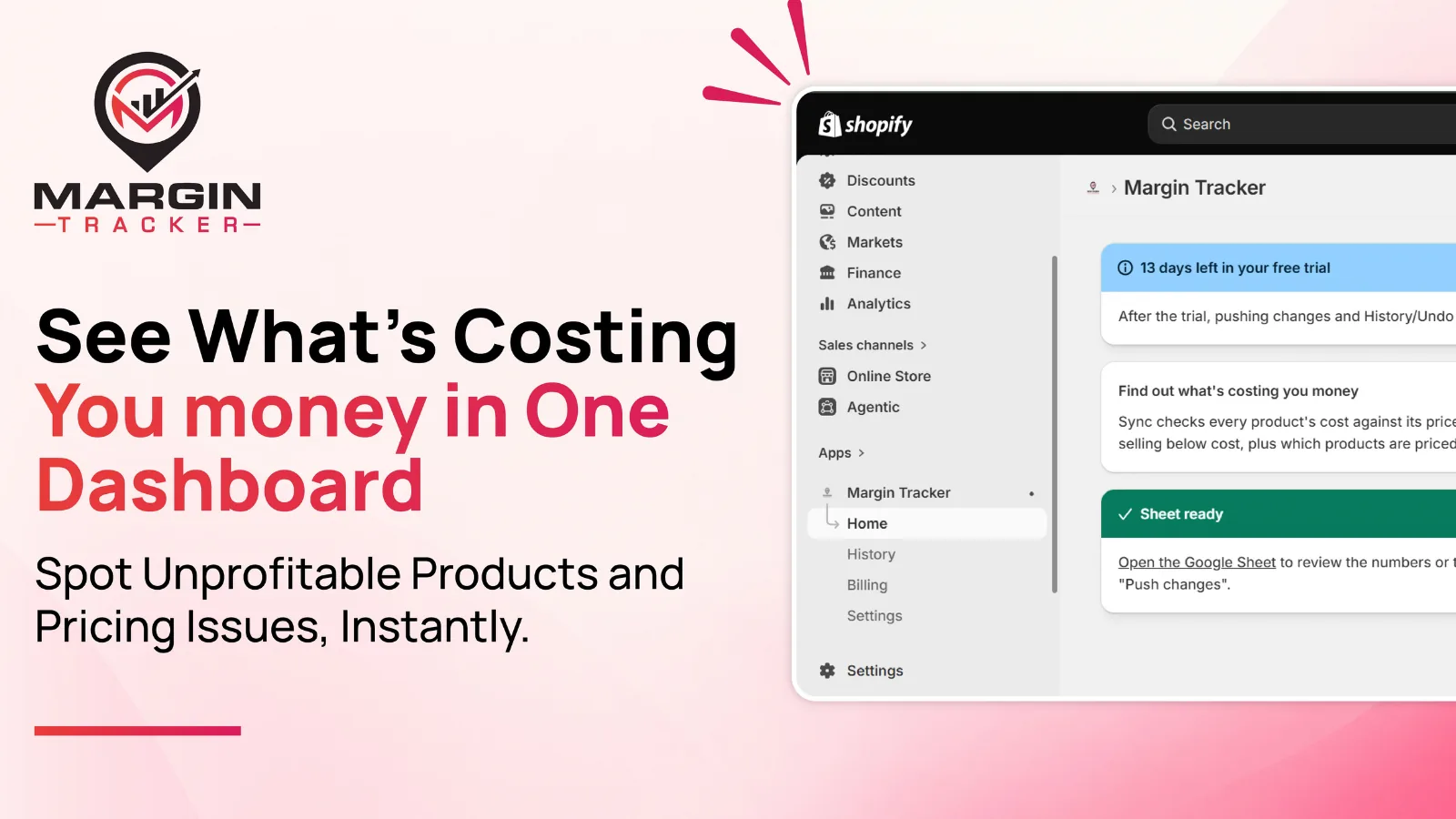
Margin Tracker syncs your products and costs from Shopify and shows them in one dashboard, so you can see where your margin goes, product by product.
Three steps
- Connect. Install Margin Tracker from the Shopify App Store and authorise it for your store.
- Sync and see. Your products, variants and costs are synced. The dashboard shows margins, and a Google Sheet is created in your own Google Drive.
- Review, then push. Change prices or costs in the sheet, preview the result and confirm. Nothing is written to Shopify until you approve it.
What is free and what is paid
- Syncing, the dashboard and the Google Sheet are free.
- Push, History and Undo are part of the paid plans, which include a 14-day free trial.